Remember Me
Home
Materials Scenes PDF Print E-mail
Written by Russell L Thomas   
Sunday, 13 July 2008 17:25

Download Material Scenes Here:

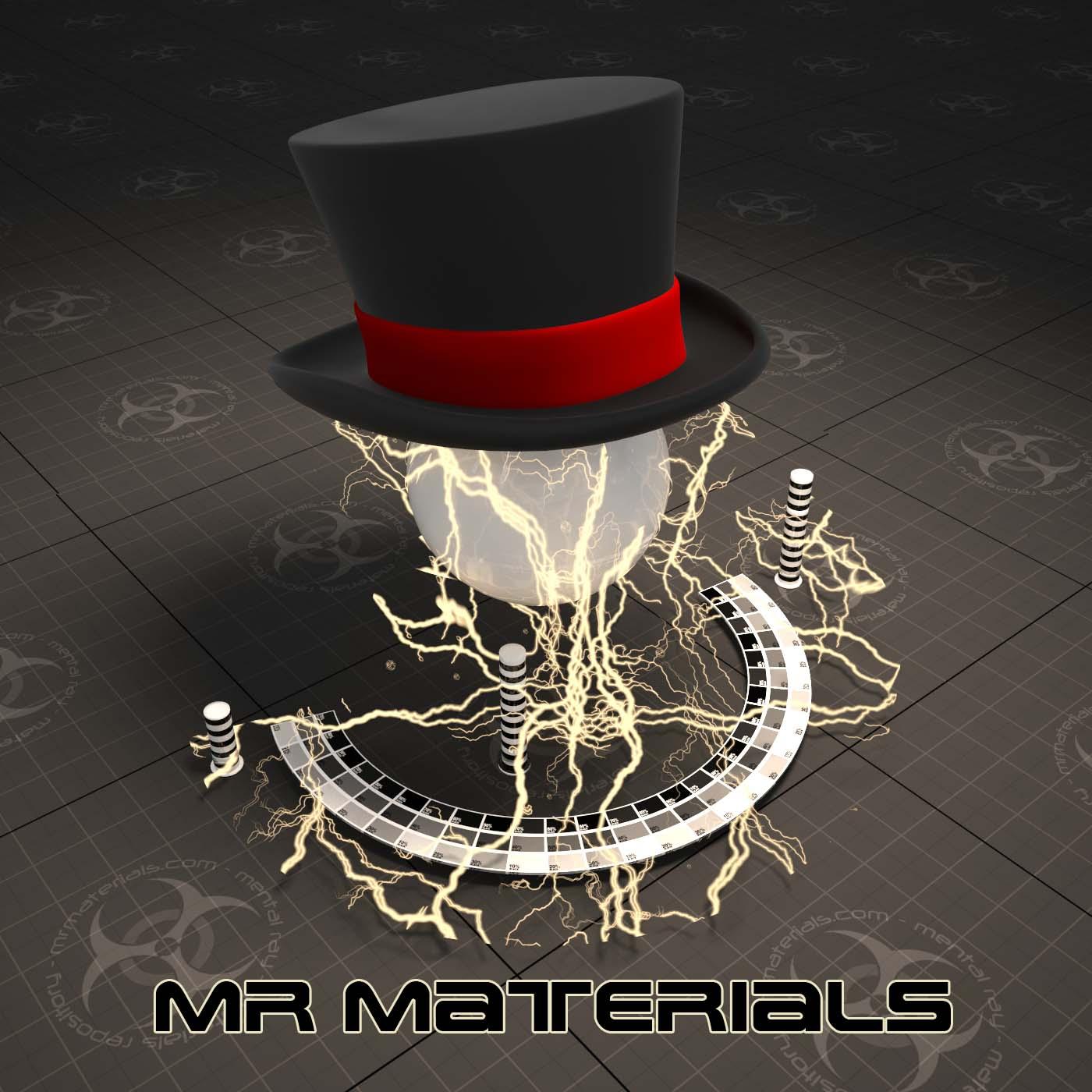
Default materials scenes (MatLab) for setting up materials for testing and thumbnail creation to use when uploading/sharing materials.

Trackback(0)
Comments (10)Add comments
ex Cathedra wrote on July 19, 2008
 
Title: ...
Thank you very much.
report abuse
vote down
vote up

Votes: +0
Russell L Thomas wrote on July 24, 2008
 
Title: Thanks goes to Jeff Patton
The thanks goes to Jeff Patton for creating the scenes and to Jared Martin and Harry Bardak for translating them to Maya and XSI. Just wanted to make sure these guys get their PROPS! smilies/wink.gif
report abuse
vote down
vote up
website
Votes: +0
Wobi wrote on July 26, 2008
 
Title: ...
Hi there,

First of all, thanks to all of you guys for this great site!
As I was surfing around I noticed that the previews for the MAX-MatLab Scenes differ for the two different versions of MAX. The MAX 2008-9 scene previews dont seem to have any caustic as the MAX 9 scene preview has? I downloaded the 2008-9 scene for liquids and there the caustics are turned off! For what reason? Would be nice to get some info on that.

Greetz Wobi
report abuse
vote down
vote up

Votes: +0
Russell L Thomas wrote on July 26, 2008
 
Title: ...
Update: Caustics is disabled by default because more people use transparent shadows than caustics. Everything is configured, all you have to do is enable caustics and that’s all. No need to adjust photons counts, size, etc., it’s already configured.
report abuse
vote down
vote up
website
Votes: +0
Wobi wrote on July 26, 2008
 
Title: ...
Hi Russel,

I compared both scenes for glass and liquids (MAX 2008-9 and MAX 9) and they both have caustics turned off! So, what I said wasnt really the truth aobout the caustics. However, there seems to be anything different in some settings at least from what I can see in the previews for both scenes. Pls have a look at the image below:
report abuse
vote down
vote up

Votes: +0
Wobi wrote on July 26, 2008
 
Title: ...
BTW,

Another thing that I noticed is that in the zip-archive for the MAX 9 matlab there is the "Max9-gamma-settings.jpg" which is fine so people will know how to set up MAX for the preview rendering. This advice on the gamma settings isnt there in the MAX 2008-9 archive though.
So as I just opened up the scene on MAX 2009 and hit the render button, the image turned out to be much darker as the preview due to my gamma settings in MAX. As I turned them off completely the rendered image was fine. So maybe it would be good thing if you would pack a gamma-settings-jpg in the MAX 2008-9 archive as well so that no one will be confused like I was when I looked at the rendering.
Hope what I am writing is helpful to you guys... keep up the cool work smilies/smiley.gif
report abuse
vote down
vote up

Votes: +0
Russell L Thomas wrote on July 26, 2008
 
Title: Thanks for the input.
Thanks, it is good to have end users with fresh eyes comment, we knew it would happen. I am leery to comment on Jeff's scenes just like I would be leery to provide a JPG with gamma settings since he explained options in the included PDF file "3dsMax gamma.pdf". Hopefully, your comments will help us make the documentation more clear.

It depends on your work flow, the Max 9 file it was important to point out the gamma at 1.0 otherwise the scene output would be all wrong. We actually almost didn't realease the Max 2008-9 version because there are so many differences in output in the newer versions, same scene renders differently, and we knew these kind of questions would come up. In the end we figured Jeff had gone to the trouble to set up the Max 2008-9 scene, we may as well use it and realize we would probably get all sorts of question. We have outlined several methods of setting up gamma and included rendered out images so that you can visually compare and make sure your settings are right, we can't control all the changes Autodesk makes and it comes down to asking do we try to keep the settings as consistantly as possible between the versions and let these changes show up or do we fake fixes so that the renderings match?

It really doesn't help IMHO to fake the output, the purpose of these MatLabs is to provide a real world kind of balanced setting to set up materials, of course you may need to tweak the materials in your actual scenes, lighting conditions will very, this is just an averaged environment so to speak to represent as best as we can an average of typical condtions. You will see people saying that the scene should be optimized to render the fastest possible and my opinion and I believe Jeff's would be that the setting should match a more typical scene than just a test lab, the materials should be close in the MatLab as they would in a real scene, optimizing the settings for this little scene doesn't reflect real world conditions.

P.S. You can substitute "Jeff Patton" in a lot of the places I said "We", Jeff and I had discussions, but Jeff created the scenes and applied his expertise.
report abuse
vote down
vote up
website
Votes: +0
Russell L Thomas wrote on July 27, 2008
 
Title: ...
I wanted to follow up, I had removed this from my response above because I thought I better verify before saying I think you are mistaken. I believe your Max 9 scene above has caustics on and the Max 2008-9 does not, I just got done rendering both default scenes and they are very similar and do not display the discrepancies that yours do. I think you may have turned on the caustics in the Max 9 scene without realizing it.

So as you can see there is the differences we discussed about changes in Max, but not the differences your renderings indicated.
report abuse
vote down
vote up
website
Votes: +0
_Wobi wrote on July 28, 2008
 
Title: ...
I actually just took the preview renderings that are an the archives of the default scenes and compared them. You will even notice the difference in the small thumbnails of the scenes in the max matlab download section.
So if thats what you got from rendering the scenes just as they are (caustics or not) I think something is wrong here smilies/cry.gif
report abuse
vote down
vote up

Votes: +0
Russell L Thomas wrote on July 29, 2008
 
Title: Thanks for the follow up
Thanks for the follow up, since you actually stated that they both had Caustics off, I figured you checked and rendered out and so I didn't want to disagree until I actually checked myself. I tend to keep from inserting foot in mouth when I do that smilies/wink.gif
report abuse
vote down
vote up
website
Votes: +0

Write comment
smaller | bigger

security image
Write the displayed characters


busy