




Remember Me

Recent Uploads

Hot Downloads

Most Popular

Home Jeff's Blog ProMaterials and .png files
ProMaterials and .png files PDF Print E-mail
Written by Jeff Patton   
Monday, 18 August 2008 06:44
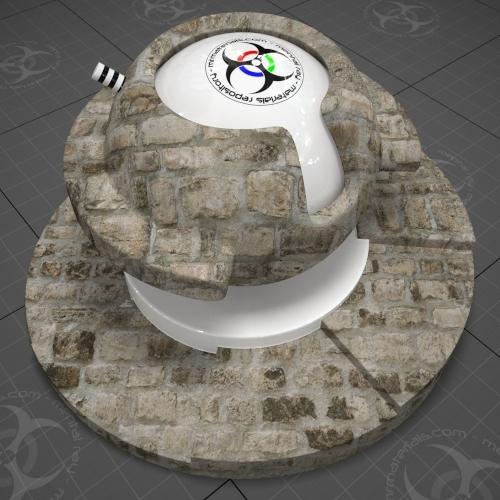
In case you haven't noticed, there's some fairly extensive .mat collections for the ProMaterials available in 3ds Max 2009. I've noticed some of the .PNG texture maps used in these collections act "weird" in 3ds Max 2009 in terms of gamma. I'll show the issue & explain further below.
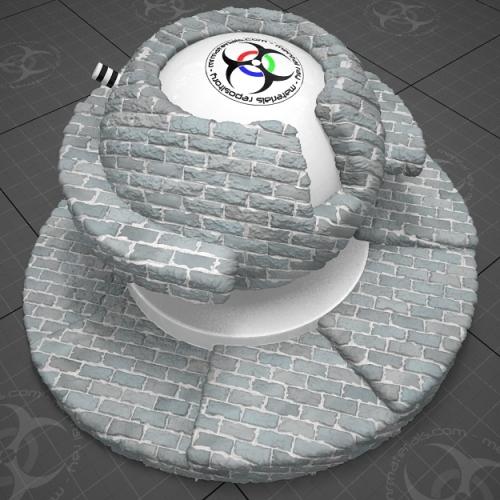
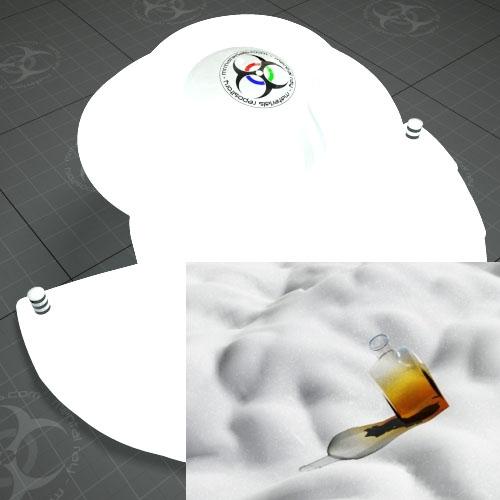
If you've enabled 3dsmax's gamma options (like using gamma 2.2 for system, input & output) then you'll probably see something like this when using some of the ProMaterials:

(click image to enlarge)
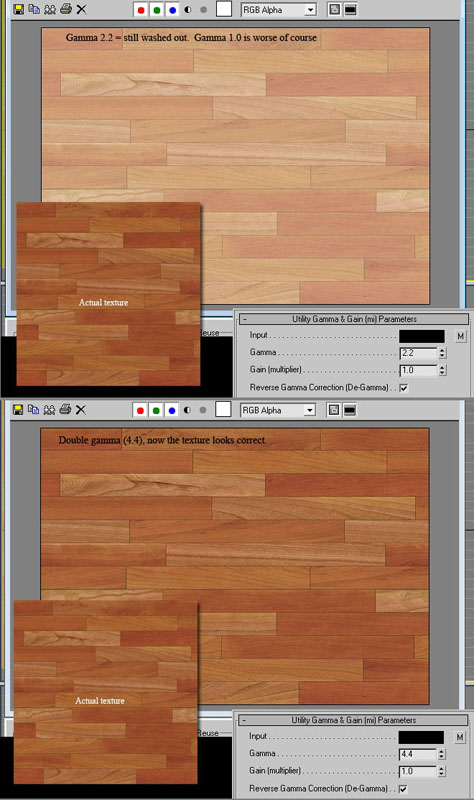

Note: This only affects the .PNG maps. Some of the ProMaterial libraries use .jpg's and they load as you'd expect.

I corrected the display issue by applying a double gamma curve (4.4) to the .PNG maps by using the gamma/gain utility shader.


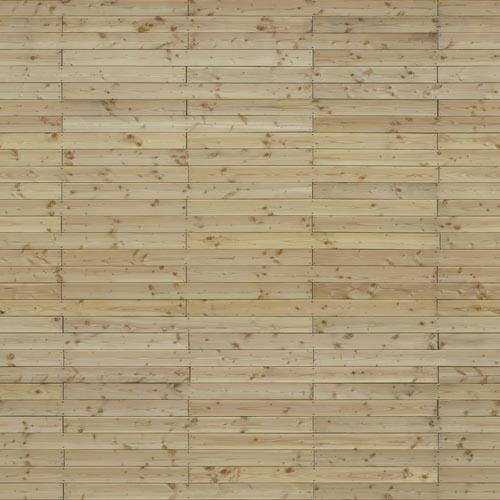
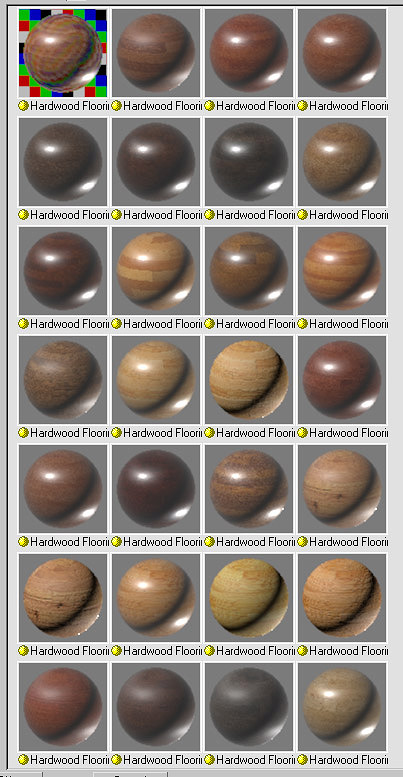
I've gone through the hardwood .mat collection and modified the ProMaterials that use .PNG maps to adjust for my own use. I figured I'd post the .mat file for anyone else that has encountered this. Just a word of caution: Since I primarily do not use the 'real world scale' option I have reconfigured these to eliminate that.

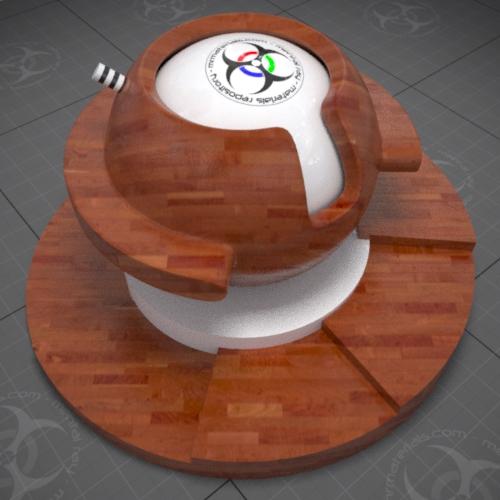
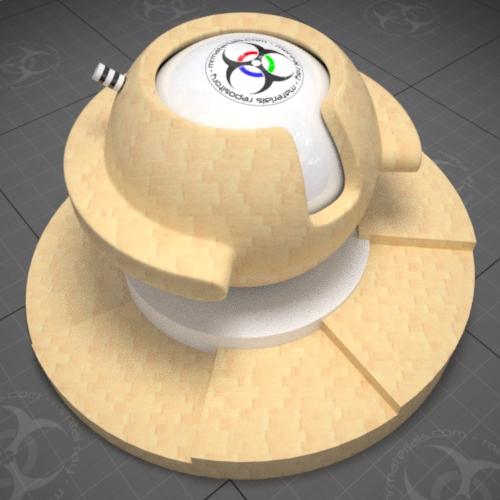
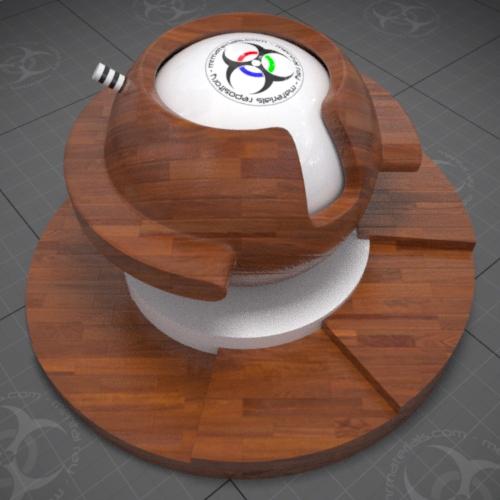
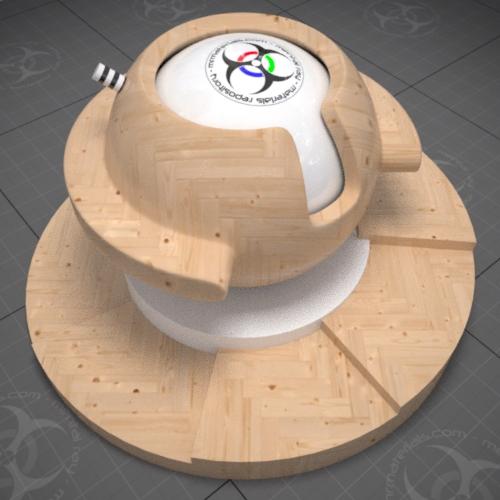
I've also configured these materials to display in the viewport when applied, however in the viewport they will probably still appear washed out...but at least the maps are visible. I also reduced the blur value to make the textures nice and crisp looking.

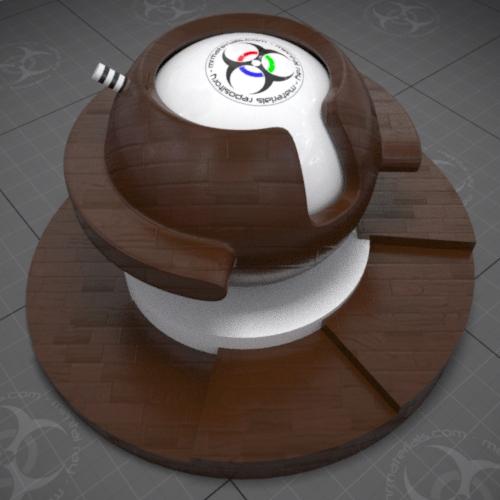
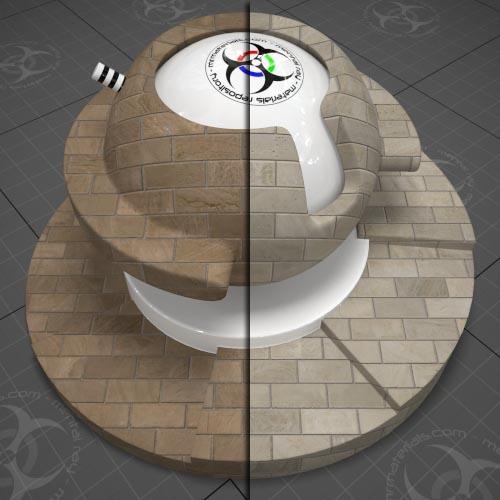
(click image to enlarge)

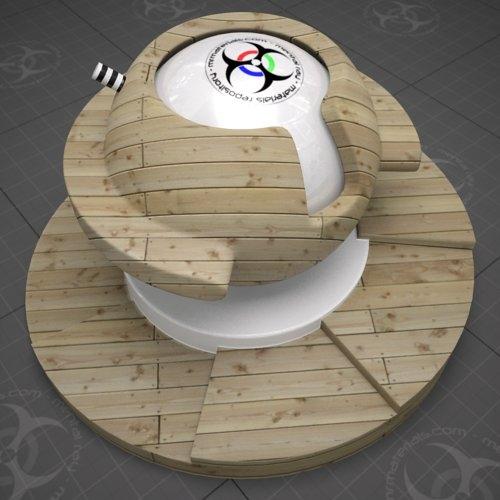
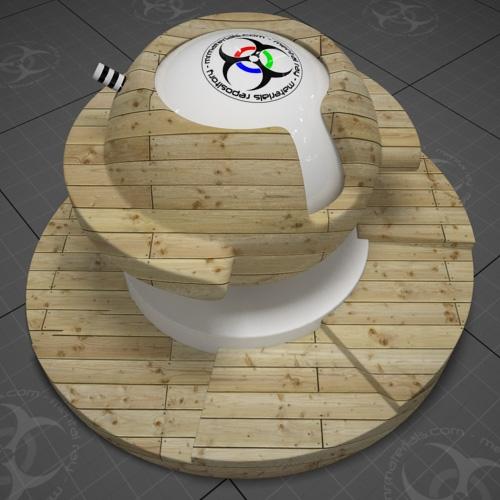
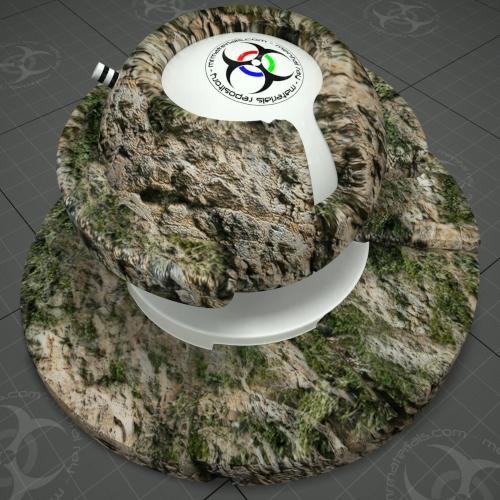
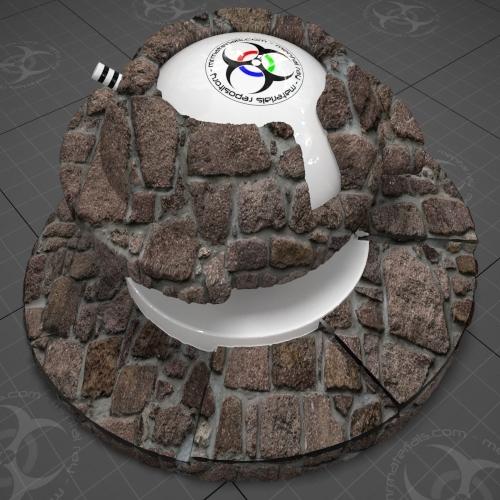
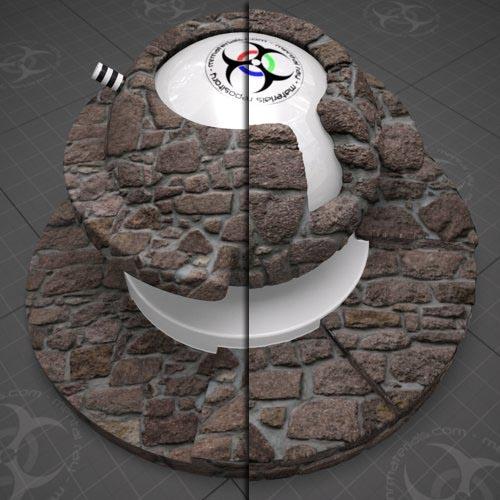
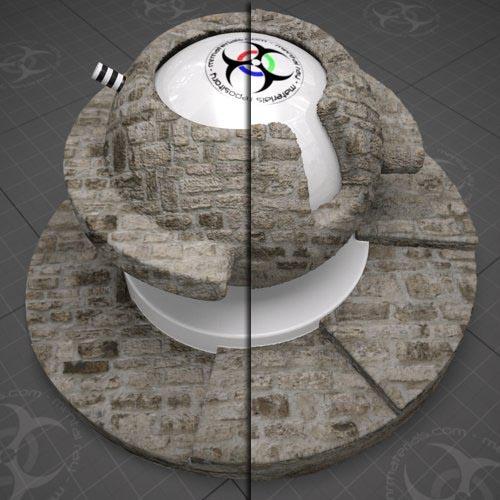
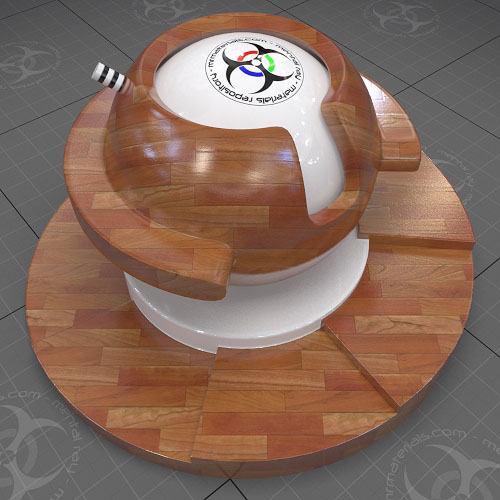
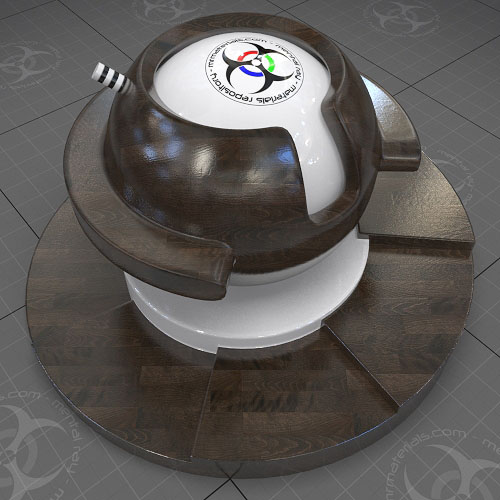
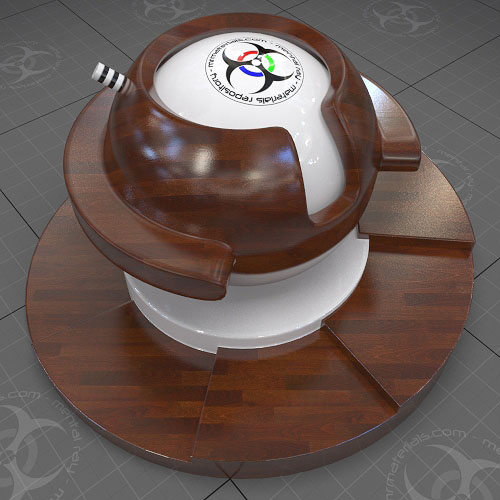
So now when I use a ProMaterial from the hardwood collection that is configured with one of the .PNG files, I get the result I'm expecting:

(click image to enlarge)

(click image to enlarge)

(click image to enlarge)

You can download my reconfigured ProMaterial Hardwood collection here:
http://jeffpatton.net/blog-images/Promats_Hardwoods.rar

Note: Bitmaps aren't included as you should already have those with your 2009 installation.

A note from the http://www.mrmaterials.com/ front. A huge thank you goes out to those that have contributed so far! Although I have to say that I've been a bit surprised to see the lack of participation from the mental ray community.

We have grown to over 3000 members in a short amount of time, which is awesome (thanks for the support). However, uploading/sharing of materials has been very limited so far. Different story with downloads of course, but that's to be expected.

So I have to ask, what's the hold up? If there's something about the site that you don't like, or something that just doesn't work for you, let us know so we can make any needed adjustments. There's a forum here: http://www.3dallusions.com/forums/mental-ray/ where you can post comments, questions, etc..
Trackback(0)
Comments (11)Add comments
Bao2 wrote on August 19, 2008
 
Title: ...
I don't have the same renders like you. I can see my renders using the original scene are greenish than yours. What is happening?. Bao2

report abuse
vote down
vote up

Votes: -1
Al B wrote on August 19, 2008
 
Title: ...
When i render these on the hard surfaces test scene, my highlights are very speckly(sp?)IS this purely due to low glossy samples(8-default) and if so, what setting did you use on the shots above?

also is there an easier way to turn these up 'at final render' time for all, than going in one by one??
report abuse
vote down
vote up

Votes: +0
T.Kick wrote on August 20, 2008
 
Title: ...
Maybe cause you awe us with your knowledge and expertise ?

I know I would not, so fast, make a material be worth, in my opinion, uploading, compared to the ones already available.

But yes: all you experts !
Get out of your whatever and share !!! and bring us more pleasant surprises ....

Giant thumbs up for this site !
report abuse
vote down
vote up

Votes: +0
Jeff Patton wrote on August 21, 2008
 
Title: ...
@ Al B.: To remove the grain associated with low sampled glossy reflections, you simply have to increase the samples. On ProMaterials this is done in the Performance Tuning Parameters. I suppose you could write a script to globally adjust all the reflection sample settings in the materials in your scenes if you're so inclined.
report abuse
vote down
vote up

Votes: +0
BWill wrote on August 26, 2008
 
Title: ...
Thanks for the updated .mats and the knowledge of this gamma shader. It's nice to be able to control the color depth per texture with this.

Regarding the uploading of mats, I too lack the skills to come up with something new to add. Once I do though i'll get in on here A.S.A.P.!
report abuse
vote down
vote up

Votes: +0
Matthew wrote on August 27, 2008
 
Title: ...
Have a look at the png map files using http://entropymine.com/jason/tweakpng/

it looks like the gamma is set at .4545 (the opposite of 2.2). I follow this site's B method of gamma correction. It appears that changing the gamma setting in the file to 2.2 fixes problem. Another way to fix it is to open the promaterial's bitmap map and on the bitmap selector diolog you can set a gamma override there saving you from adding the utility shader.

On a sidenote, if you to render to a png file for use in powerpoint you have to override the gamma in the render output file diolog box and set it to half of what your 3dsmax gamma setting is, so if your gamma is 2.2 you have to select override and set it to 1.1. Microsoft seams to think this isn't their fault-http://support.microsoft.com/kb/238559/en-us
report abuse
vote down
vote up

Votes: +0
patrick anderson wrote on August 30, 2008
 
Title: ...
Jeff,

I for one, have a mat library that's predominantly made up of your mats and a few others and I truly appreciate your efforts.

When and if I can come up with a decent material I'll gladly upload it.

All I can say is that you really are, apart from Zap, the only mental ray guru I know of.

Hope all is well with you mate!
report abuse
vote down
vote up

Votes: +0
Jonathan wrote on September 02, 2008
 
Title: ...
Jeff, you need to know that i am very grateful for your work. I am in Architectural Visualization, and was tough to choose Vray or MR, and you help me a lot to choose Mental Ray. Now i can go without any fear. Thanks and keep up the good work. I will become a upload in no time!.

Thanks!
report abuse
vote down
vote up

Votes: +0
Joseph Harford wrote on September 29, 2008
 
Title: ...
Hi Jeff,

Thanks for this post, It fixed the issues you desribed.
I have a quick question if you will..

with the pro mats, i'm getting a lot of sparkles and hot spots that look like caustics ( they are not ). Is this merely a case of dramatically increasing the samples? - I have it on 64 at the moment ( for hardwood semi-gloss ). final gather high and medium anti-aliasing, and it's very sparkly.


Thanks in advance, your always a big help

Joe
report abuse
vote down
vote up
website
Votes: +0
Jeff Patton wrote on September 30, 2008
 
Title: ...
Hi Joe,

It could be sampling related, I'm sure more samples would eventually resolve the sparkle issue. Naturally that will increase your render time as well. I'd look into what the reflection is...meaning, if you have a very small window that is very bright, or a very bright visible photometric light source, that could be creating the problems. You should also consider your light samples, the image sampling rate, and the FG filter setting. Any of those could be contributing and/or assist in resolving the issue.

Jeff
report abuse
vote down
vote up

Votes: +0
joshua smith wrote on November 14, 2008
 
Title: student
hi jeff,

i am just learning how to use MR for the first time, hopefully the correct way. since im teaching myself i figured it would be easier to use the great shaders you have available (they bring life to my clay renders, hah) in order to focus on lighting and rendering aspects (i feel those are most important) but i assure you once i understand the basics of lighting/rendering i will create my own miltia of materials that all can enjoy!
report abuse
vote down
vote up

Votes: +0

Write comment
smaller | bigger

security image
Write the displayed characters


busy