





Remember Me

Recent Uploads

Hot Downloads

Most Popular

Home Jeff's Blog Irradiance Particles, HDRs and you
Irradiance Particles, HDRs and you PDF Print E-mail
Written by Jeff Patton   
Tuesday, 09 September 2008 08:00

HDR shadow thumbnailEver wanted decent shadows from your image based lighting scenes (HDR)?  Well, it's possible if you use Irradiance Particles in 3ds Max/Design 2009.  Read further to find more information & files.

I'm sure by now you've seen the posts on using Importons & Irradiance Particles in 3ds Max 2009.  So in this post I'll assume you've already installed the required shaders.  If not, then you'll want to go here first:

http://forums.cgsociety.org/showthread.php?f=87&t=621727

Once you have installed the items provided in that link all you need to focus on is the Irradiance Particles.  In a nutshell, you'll disable the default lighting, assign your .HDR to your environment as normal then activate Irradiance Particles and enable the Environment Evaluation option and finally tune the ray settings to suit your scene.

Example:
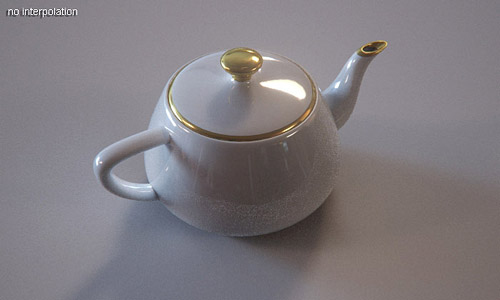
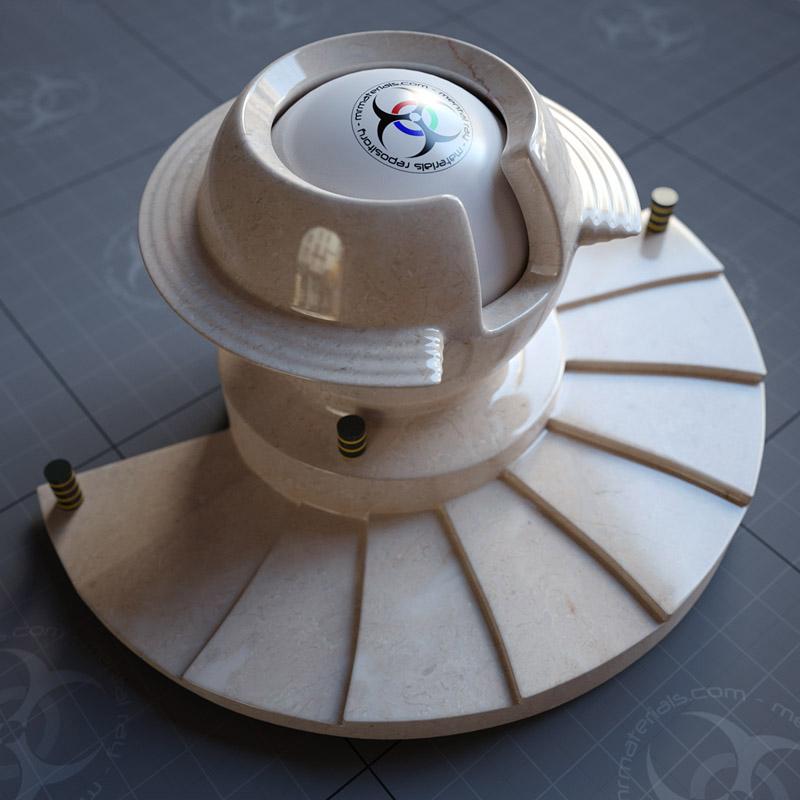
HDR shadows

The render above is not using the interpolation option on the Irradiance Particles.  Therefore it'll be a bit more accurate, but will also have more grain which will require higher samples and that means longer render times.

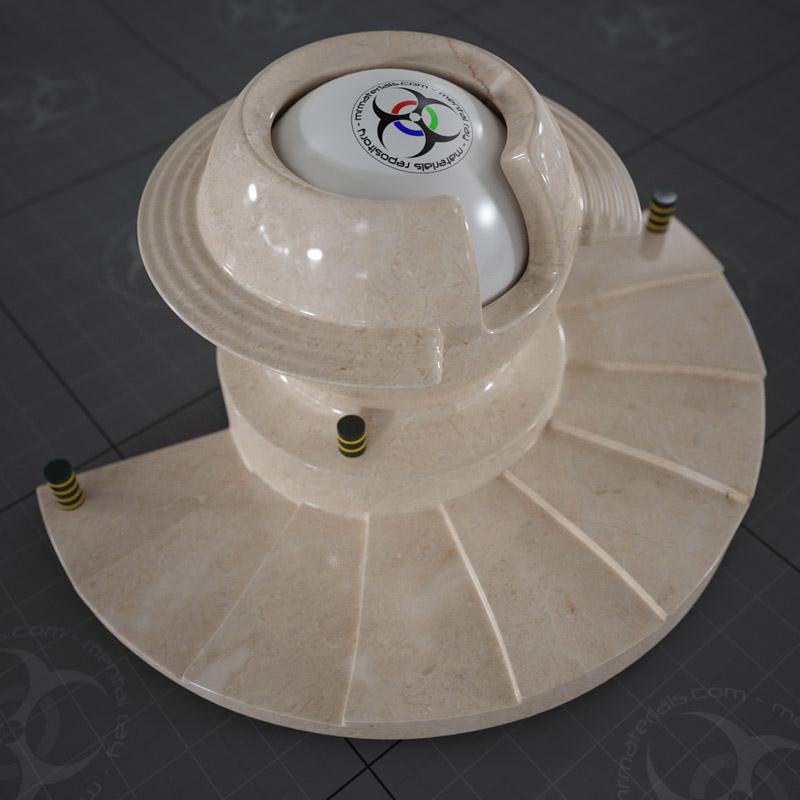
So, you may want to use interpolation to help keep render times down by sacrificing a bit of accuracy.  In the following render I used Interpolation:
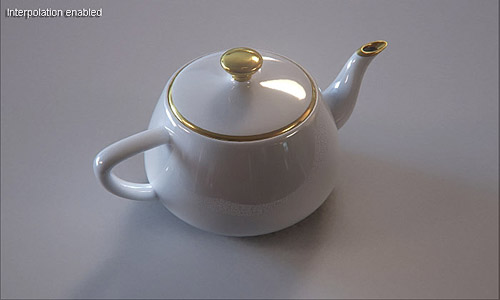
Interpolated HDR

I used one of the default .HDR's that shipped with 3ds Max 2009.  While I simply plugged the HDR into the environment (I probably wrapped it in a gamma/gain shader as well), you may want to consider using the environment/background switcher to use a low-res version of the HDR for the lighting & the higher resolution version for reflections.

Doing so will allow you to use lower samples, but a small blurry HDR will also not provide as much lighting detail as a high resolution version.  So as with most everything, it boils down to a trade off between accuracy and render times.

Test scene: http://jeffpatton.net/Blog-images/IP-HDR01.rar

Notes: For a detailed explanation of the Importons & Irradiance Particles settings, see the "ctrl_ghost_settings_v1.2.txt" file that comes with the shaders.

I noticed that when I saved the file, restarted 3ds Max and reopened the file, often the Importons option would be enabled...even though I had it disabled.  So if it's enabled when you open this scene you can turn it off or leave it on, doesn't really matter for this scene since there's no active lights.  Speaking of lights in the scene, you'll see a disabled skylight...that's simply to ensure the default lighting is off.

Don't forget you can save the IP calculation by entering a save to path in the "File" box of the IP settings.

Blog entries may be discussed in the 3DA forums HERE
Trackback(0)
Comments (8)Add comments
Kristian Foshaug wrote on September 10, 2008
 
Title: exposure control
Thanks Jeff,

I tried to copy what I saw, and no matter what I did, I would only get a completely black scene. Not until I went deeper into your scene and tried to copy every small setting I could find that was not exactly like in my scene.

I noticed that you had some kind of glare-shader active in your output (defaults off), but it didn't have anything to do with my renders, still all black.

Then finally (after giving up really), I noticed that you had heavy exposure-control on (EV -2), and that did the trick smilies/smiley.gif
report abuse
vote down
vote up
website
Votes: +1
Juan Gea wrote on September 12, 2008
 
Title: I support you
This comment os not for this post, is for the post talking about that you are going to leave the 3D as your way of life.

You have all my support, i think like you that are the 3D community are like brothers and sisters, olders, youngers, but when i see someone that needs to work in another thing that is not what he/she likes something dies inside me.

I hope that you find some work inside this bussiness, you are really great with lighting and render, maybe you cannot continue like freelance, but i'm sure that you can find a job inside somewhere, and in some time return to the freelance world.

Really, you have all my support and i hope you can find something.

Juan Gea
report abuse
vote down
vote up
website
Votes: +1
César Garcia wrote on September 15, 2008
 
Title: Real IMB
Amazing post Jeff, finally after many years playing with HDRI files for reflection we are able to render a real IMB without need of other lights.

The main problem with IMB was exactly this lack of shadows...

bwt I miss your frequency of posting dude

cya and thanks again to share this knowledge
report abuse
vote down
vote up
website
Votes: +1
easyfrog wrote on October 01, 2008
 
Title: JP I want ask your same questions about FG interpolate
Sorry for my English first

in my test i find the FG radius interpolate is better then the FG point interpolate .
Could you tell me it is right? and why??
report abuse
vote down
vote up

Votes: +0
Tim Wetzel wrote on November 22, 2008
 
Title: ...
When I try to run your file, I get this error in the Mental Ray dialog:

RCGI 0.3 error 361060: failed writing IP file

It also takes forever to render and I have a pretty good machine.
report abuse
vote down
vote up

Votes: +0
Jeff Patton wrote on November 22, 2008
 
Title: ...
Sounds like it's simply not able to write the file to your hard drive. Ensure you've specified a valid path & file name and that there are no firewalls or windows login issues preventing 3ds Max from writing the file.

As for the speed, I never said this file rendered fast. However, I did offer very specific information that could be used to decrease the render times if needed. And naturally once it can read the data from the IP file it will render much faster than the original calculation.
report abuse
vote down
vote up

Votes: +0
Tim Wetzel wrote on November 22, 2008
 
Title: ...
thanks in the time between me posting this and seeing your reply - I got it working.

Couple of questions if I may.
1. If there is nothing animated other than the camera, the IP map only needs to calculate once, right? Sort of like the radiosity light system.
2. I just gave a file name "test" for my test above. what does the extension end up being?
3. Is this calculation the same as radiosity in that if something in the scene changes such as materials or reflectivity = that the IP has to be recalculated?

Thanks!
report abuse
vote down
vote up

Votes: +0
madcap66 wrote on January 15, 2009
 
Title: Where to place "ctrl_ghost_settings.dll"?
Where exactly does one place "ctrl_ghost_settings.dll"?

Thanks
report abuse
vote down
vote up

Votes: +0

Write comment
smaller | bigger

security image
Write the displayed characters


busy