





Stick to the Naming Convention!
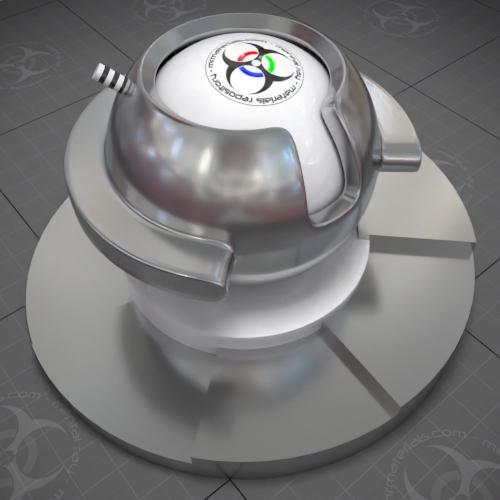
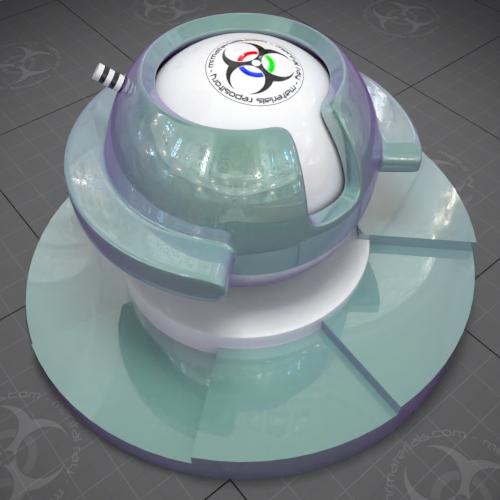
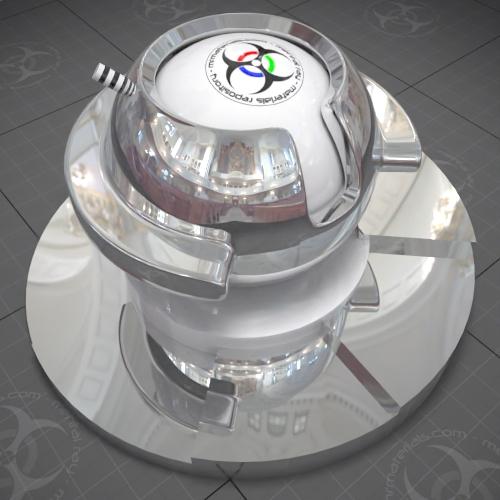
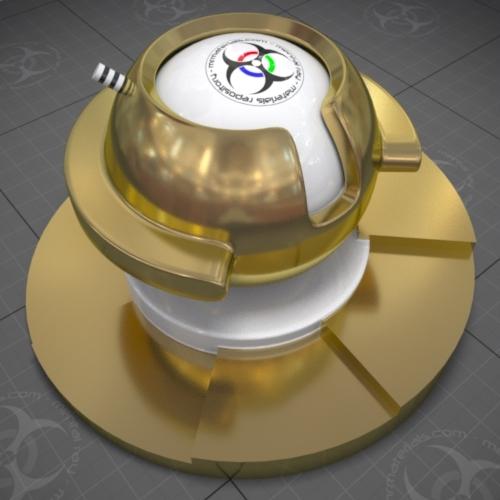
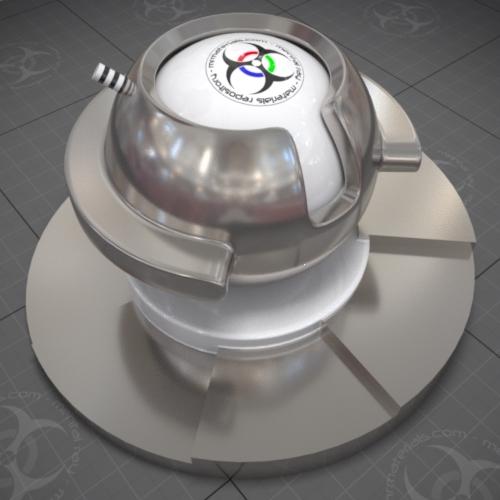
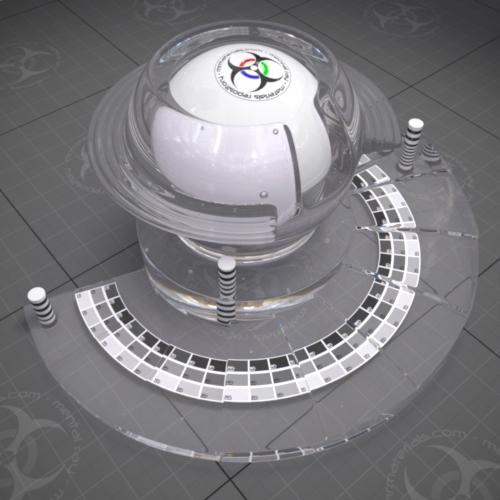
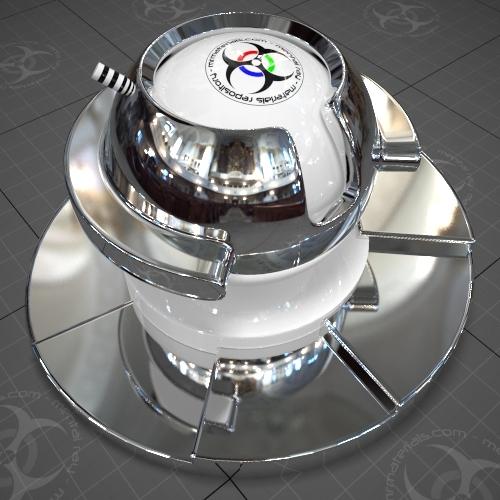
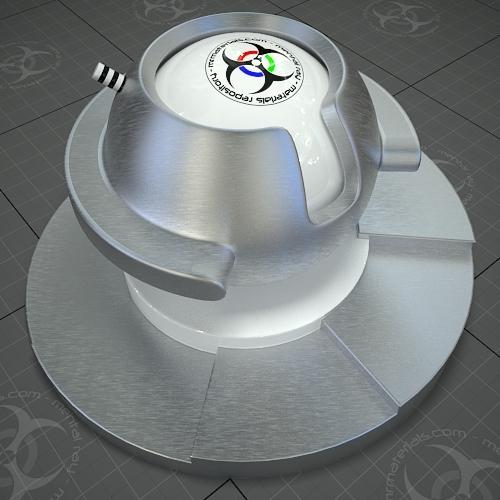
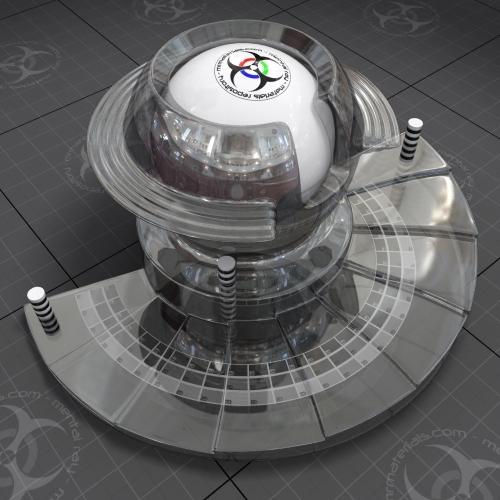
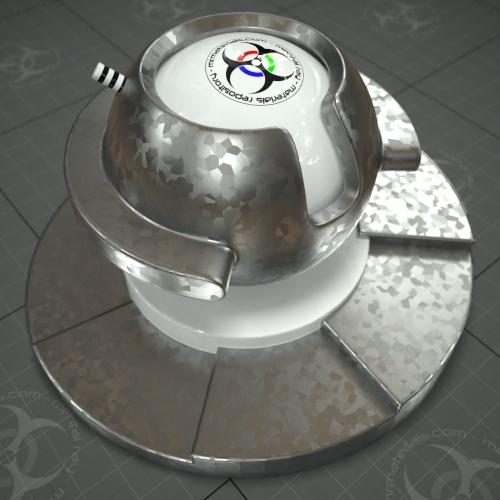
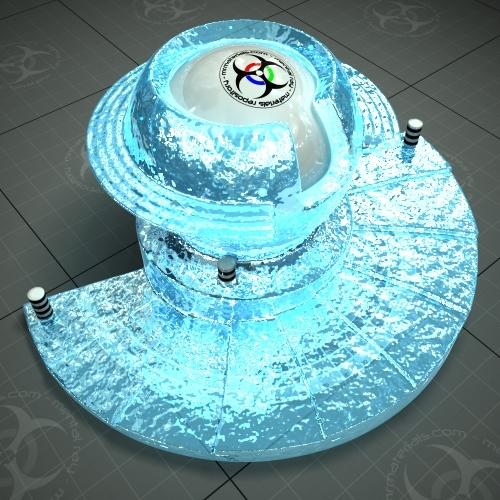
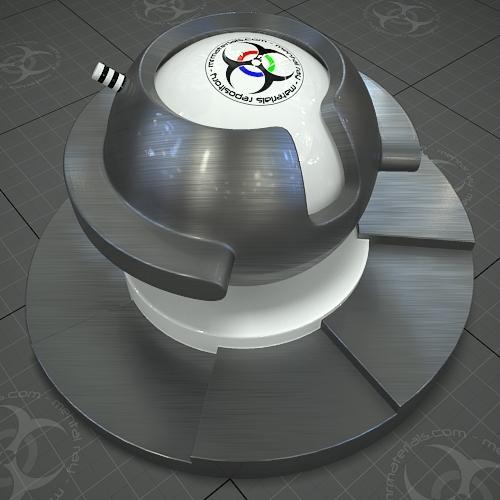
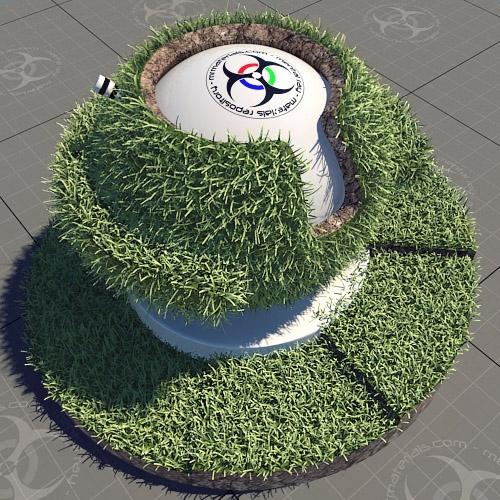
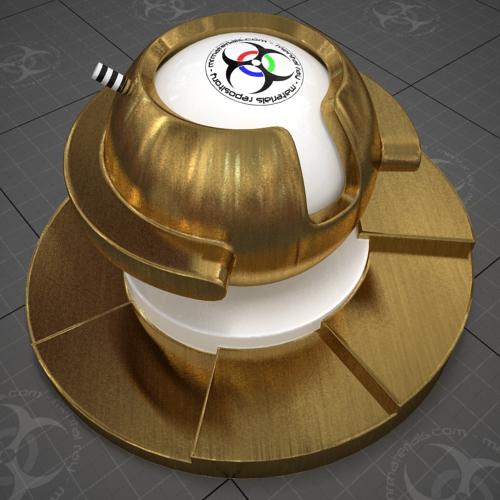
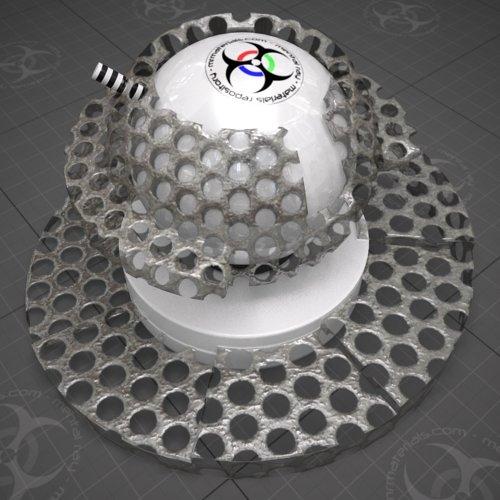
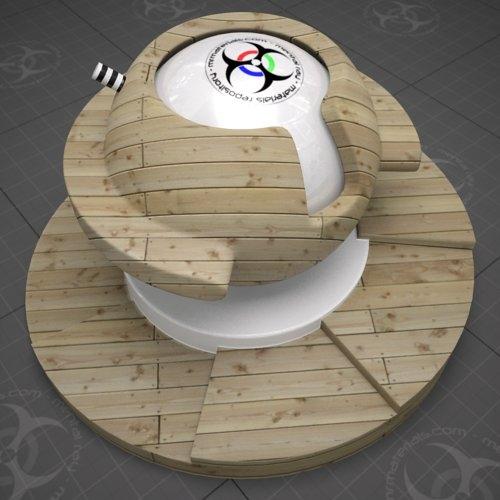
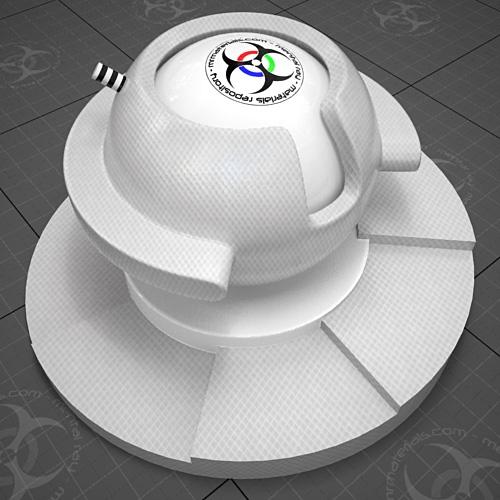
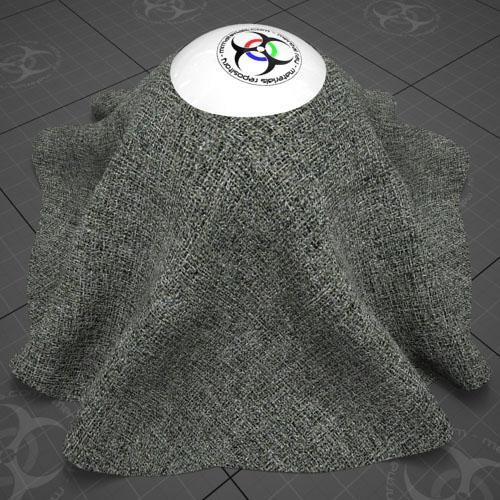
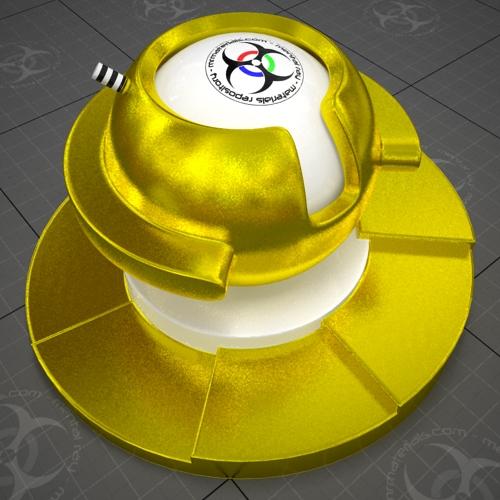
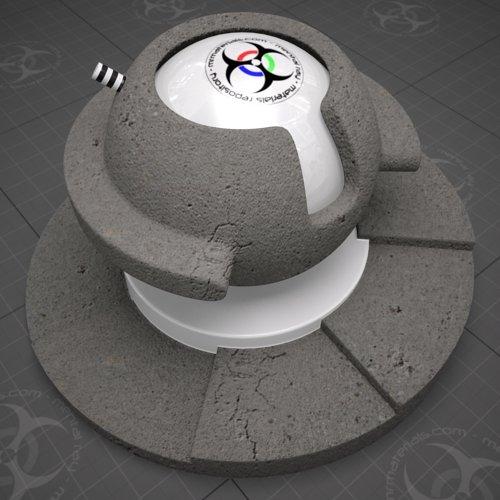
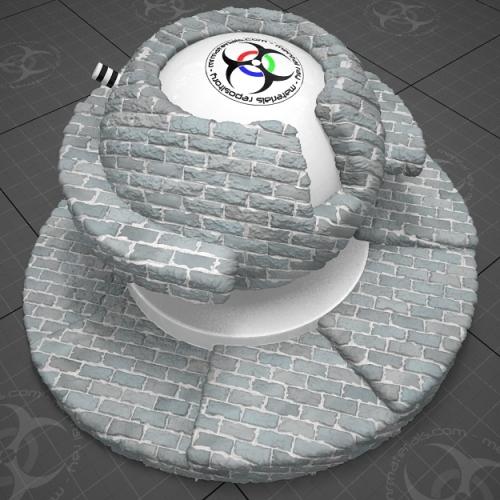
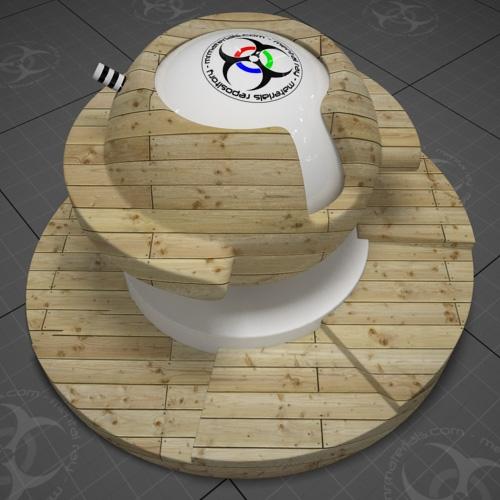
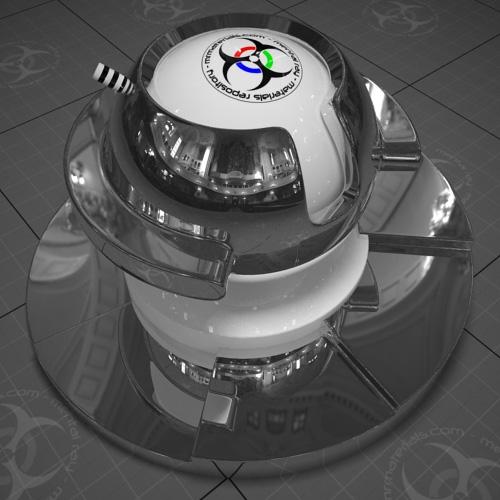
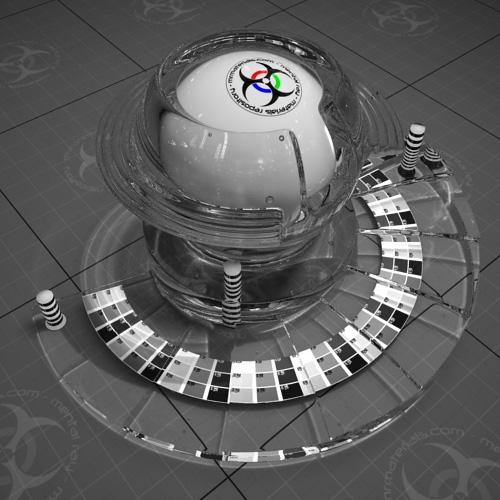
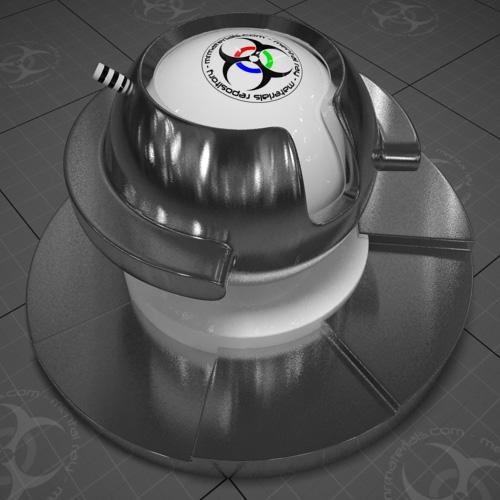
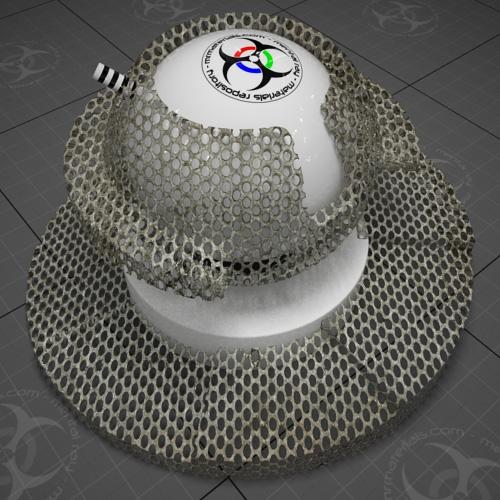
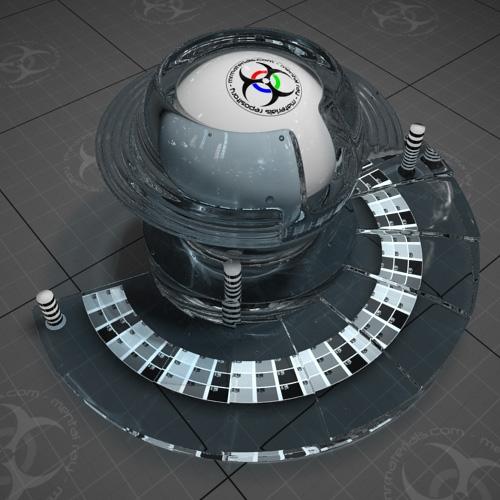
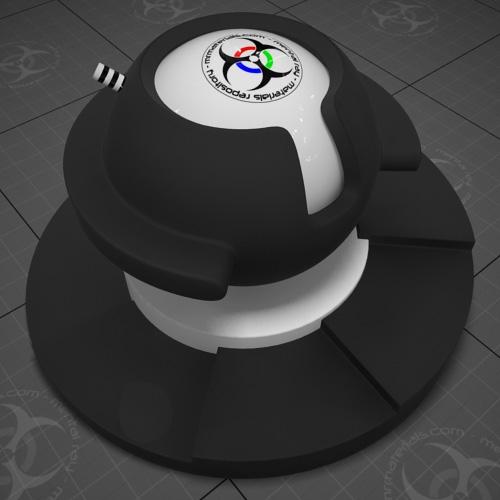
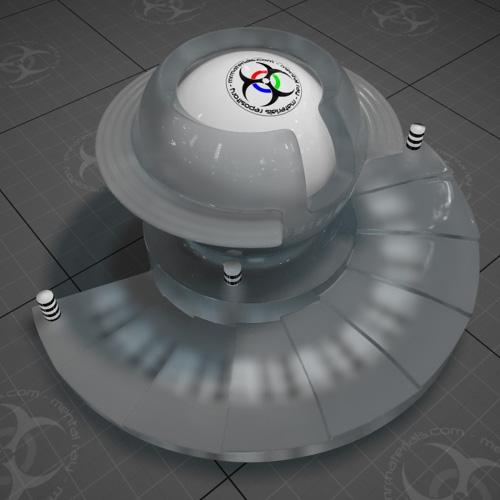
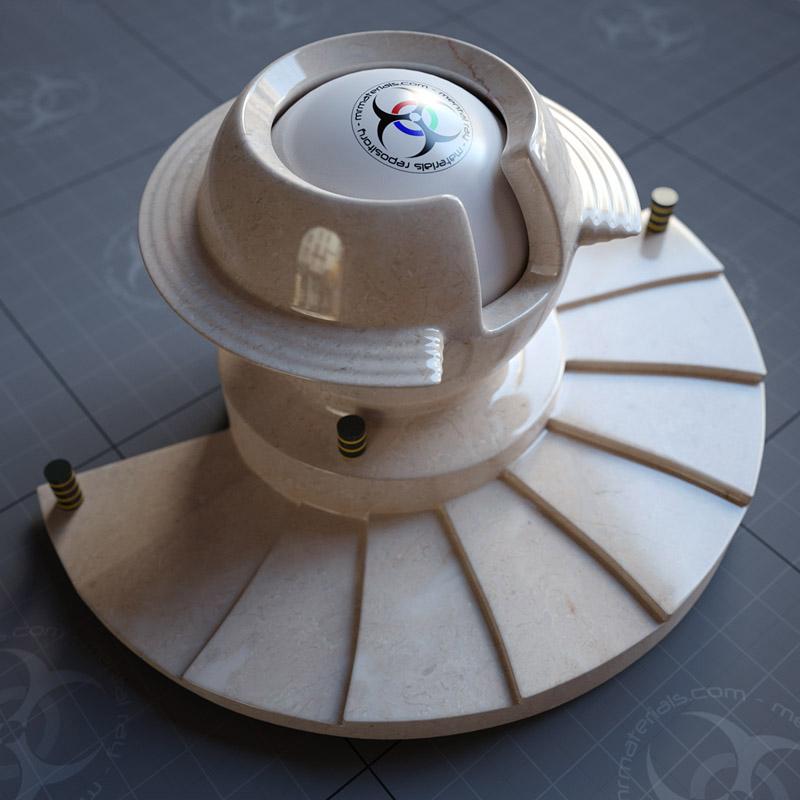
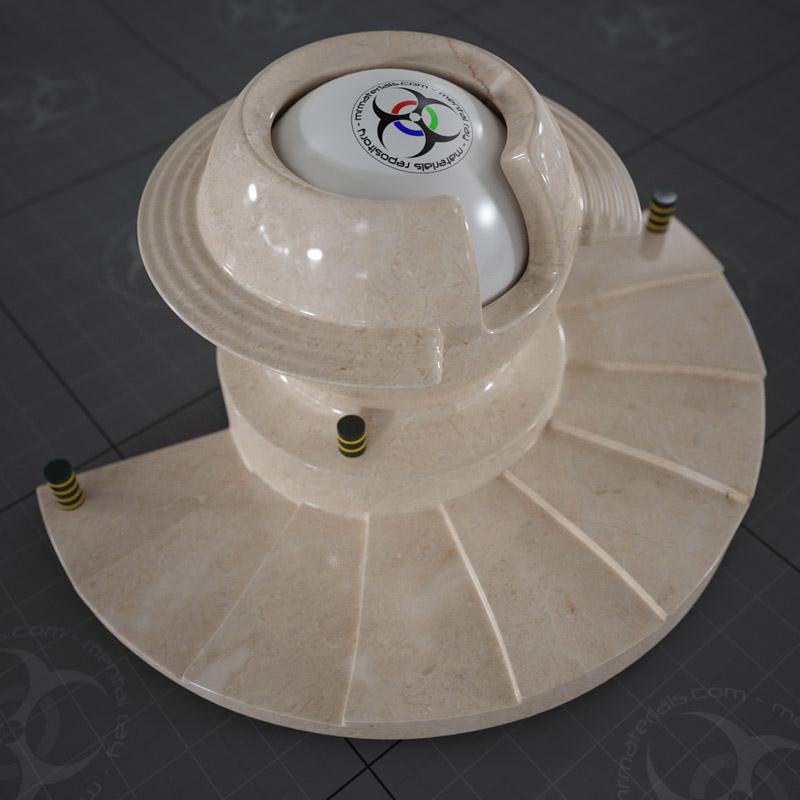
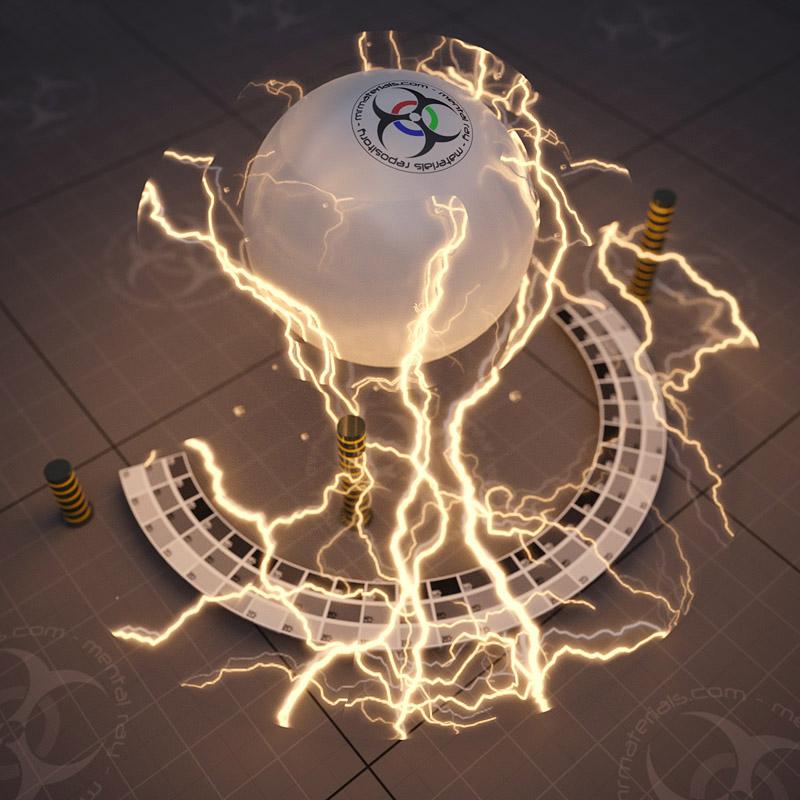
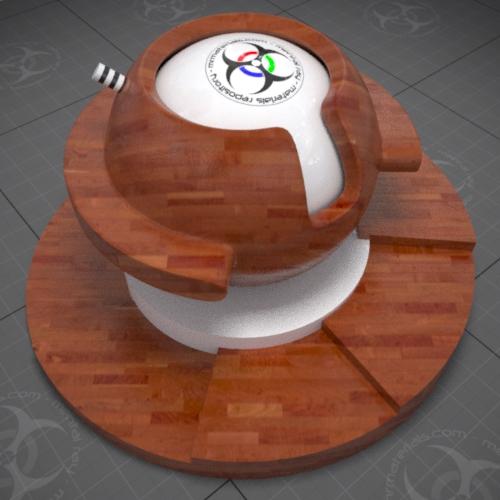
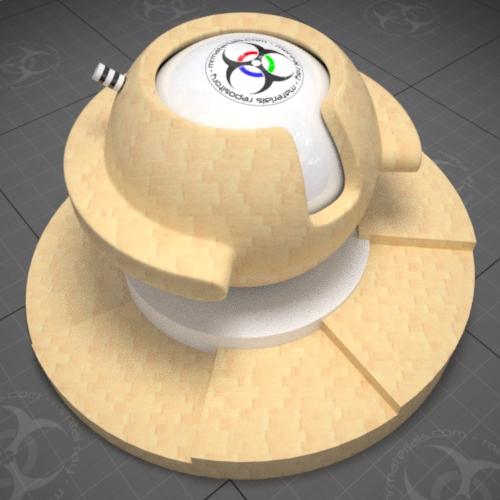
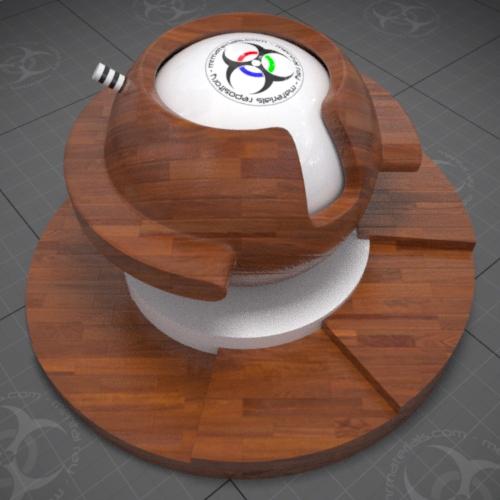
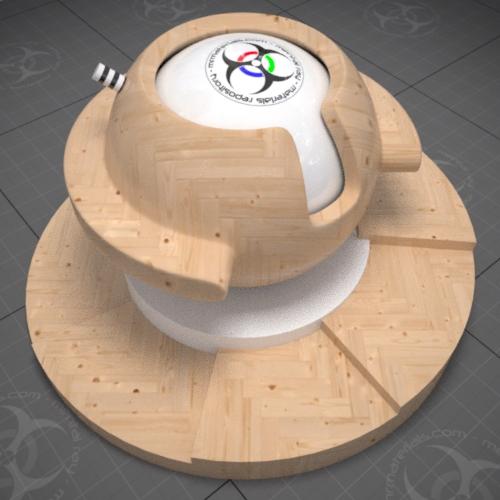
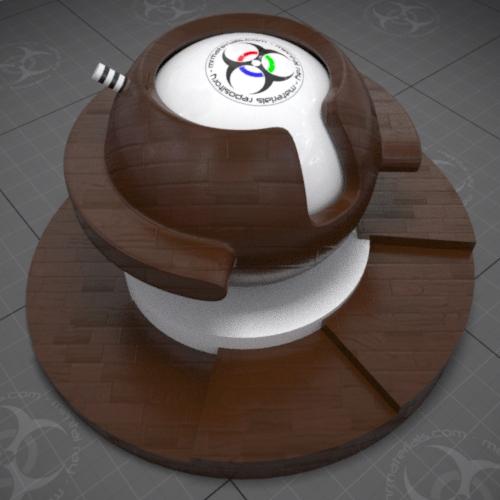
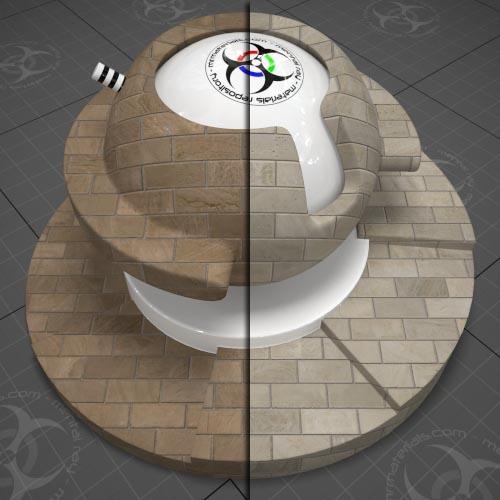
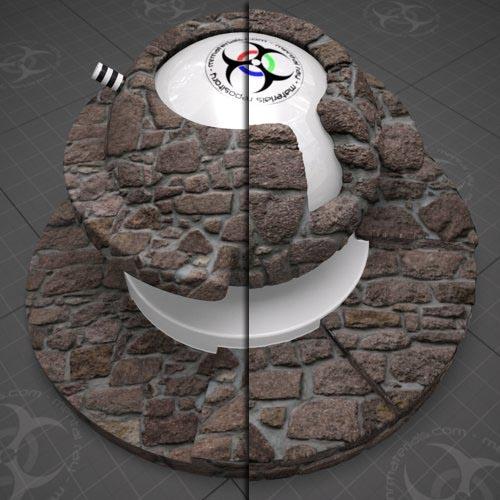
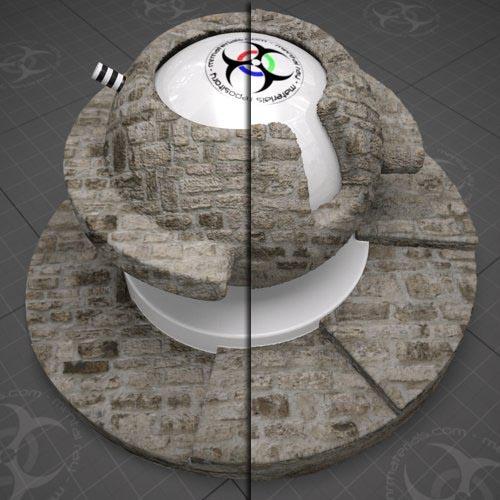
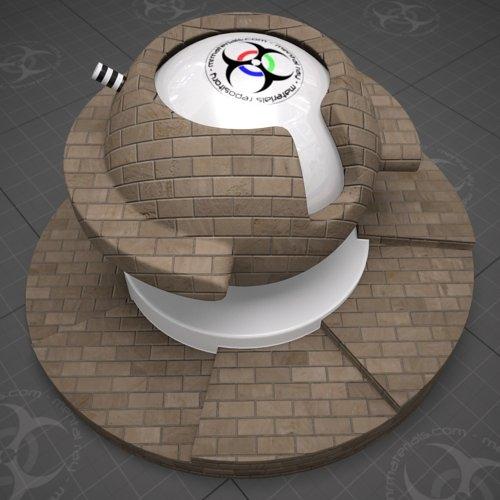
Material Labs are our preset scenes provided for your use in testing your materials and providing consistent sample images of that material. Leave the scene as is with the lighting and default camera untouched so that imagery created remains consistent.
Based on the strengths and weaknesses of similar sites, we ask that you work with us and use the naming conventions and process we will outline below:
The next couple of steps are designed to provided an organized and flexible file system compatible with the greatest scenarios. Many people are going to think this naming convention is too difficult and ignore it, we ask that you think of it this way: It is a choice of whether one person takes a few minutes to organize the content OR thousands of people have to deal with it later. If you choose not to follow the exact format, then trying to follow the spirit of our intentions would be greatly appreciated.
Gather your material file and all related texture and data files into it’s own material directory. Name your directory as follows:
Material_BriefDescription_ThreeCharacterInitials_2DigitSuffixRepresentingVersion
Example:
Glass-ObscureWire-RLT-02 would represent my second wired glass material.
Now name all your materials using this convention with a suffix delineating the map or file type that comprises your material. For example:
Glass-ObscureWire-RLT-02Diff
Glass-ObscureWire-RLT-02Spec
Glass-ObscureWire-RLT-02Bump
Glass-ObscureWire-RLT-02Disp
Re-path your material file to the new locations, and zip/rar the material file and the required maps and data files to a file with the same naming convention as your material file. DO NOT INCLUDE THE MATERIAL LAB SCENE FILE.